We've got a small but sweet update for you!
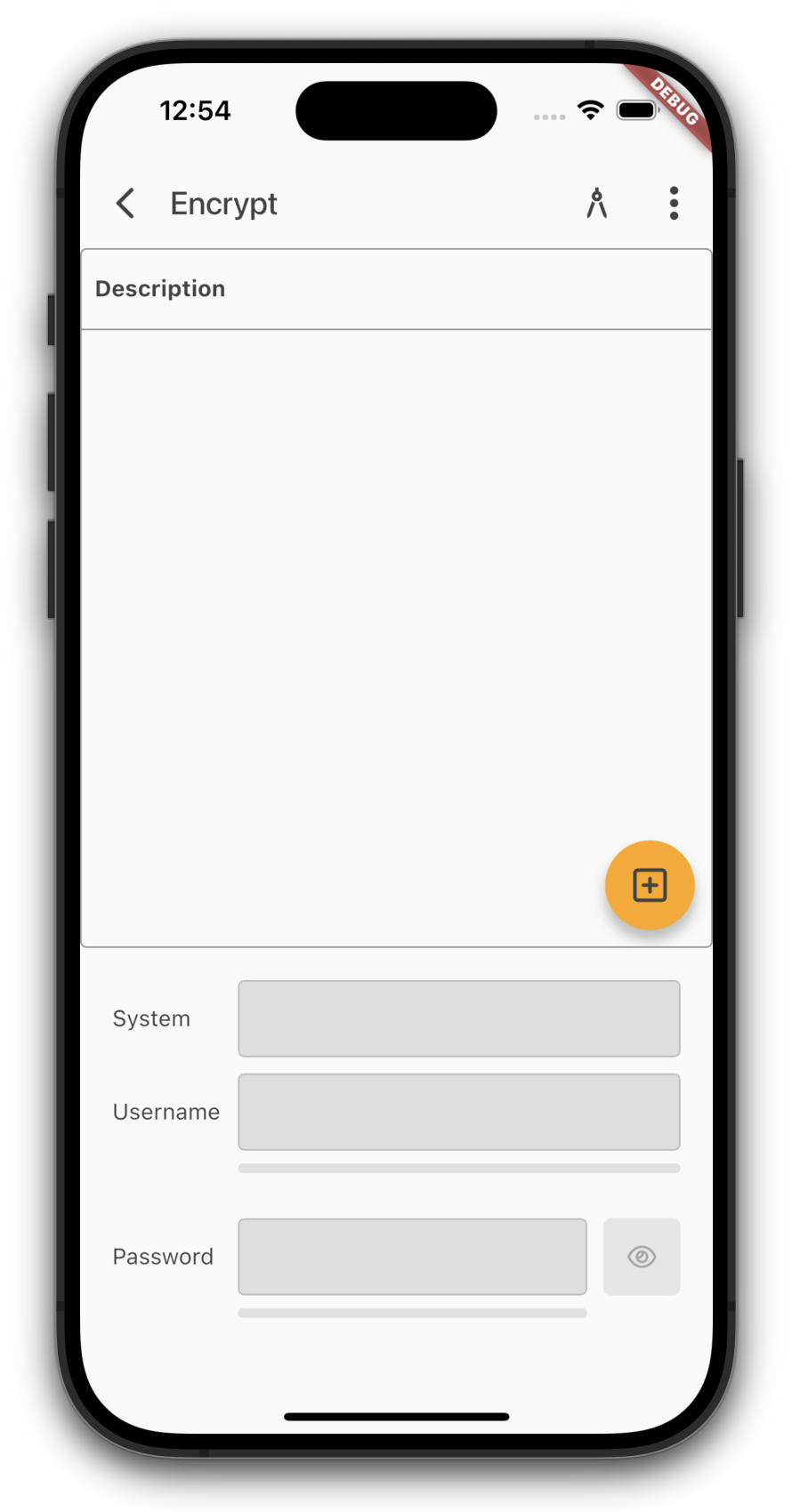
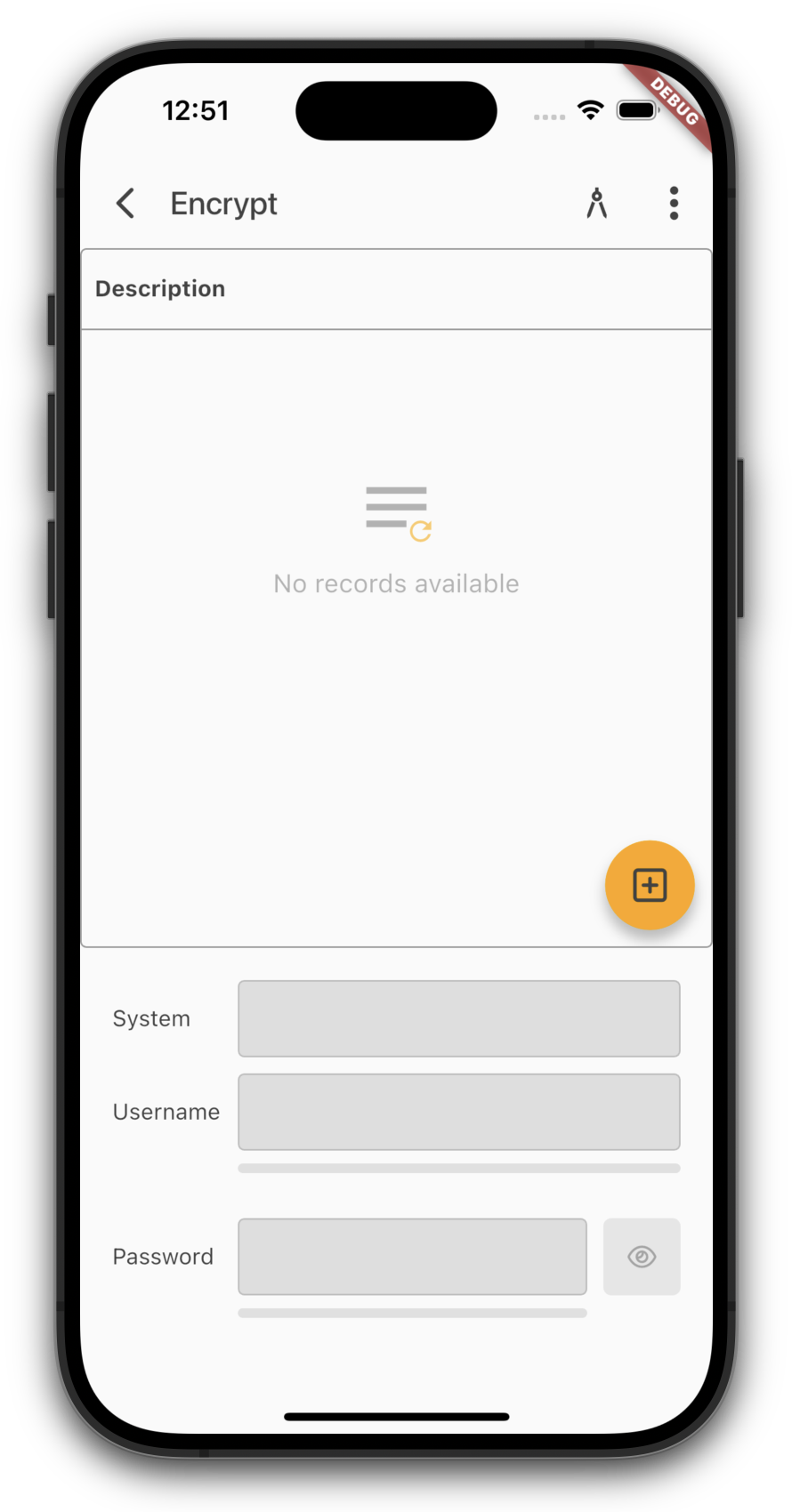
Up until now, the table would just show a big empty space whenever there were no records. Not super helpful.
To keep things clearer, we now show a friendly hint when there's nothing to display:
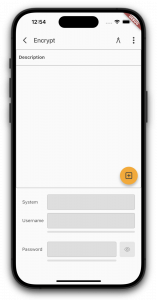 No records (old) |
|
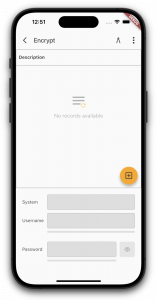 No records (new) |
Enjoy the update!
We have a few new features for our VisionX Previewer app. As announced last week, here are the details of the new features.
Below you'll find links to the documentation for each item:
Theme customizing
Background customizing
Client-side encryption
Biometric & PIN authentication
Screen styling
Editor styling/features
Menu styling
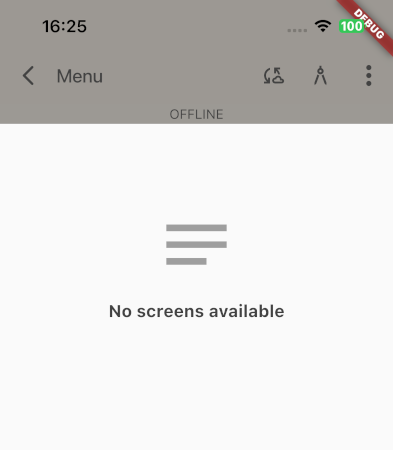
An empty menu will now look like:
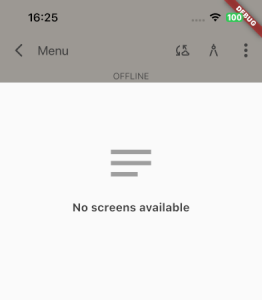
Empty menu
All changes will be available with next VisionX and App update!
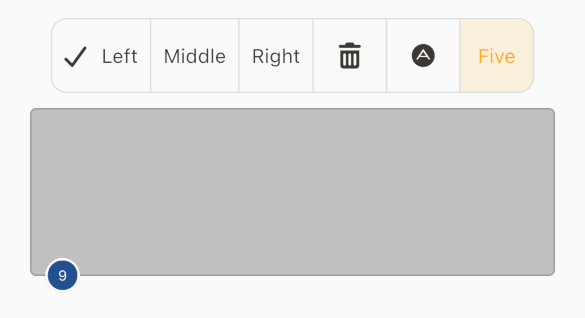
We've added a cool new component for you. It's a list of buttons that together look like a button bar.
Flutter already provides this component out of the box, but without customizing the app you can't use it. To make sure you can use it even without customization, we implemented the ButtonGroup class on the server side.
If you now include the class in a screen like this:
ButtonGroup butgrp
= new ButtonGroup();
butgrp.setHorizontalAlignment(IAlignmentConstants.ALIGN_CENTER);
butgrp.setMode(ButtonGroupMode.MultiSelection);
butgrp.setLabels("Left", "Middle", "Right", null, null, "Five");
butgrp.setImages(
UIImage.getImage(UIImage.OK_SMALL),
null, null,
UIImage.getImage(UIImage.TRASH_SMALL),
UIFontAwesome.getImage(IFontAwesome.ADN_SMALL));
butgrp.eventAction().addListener(this::doButtonGroupChanged)
you will see the following in the latest app:
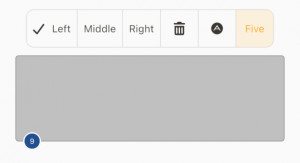
Button group
You now have another very helpful component that you can integrate into your custom apps.
Have fun 
We have good-actually, great-news for you!
Our Flutter UI is now fully compatible with the latest Flutter version (3.41). We've put in the work to ensure you have full access to all the newest features Flutter has to offer.
During this process, we noticed that json_dynamic_widget is no longer being actively maintained. (We completely understand the developers' reasons, but as you know us: "Impossible" isn't in our vocabulary.)
That's why we've pivoted our implementation to the officially Google-supported solution: Remote Flutter Widgets (rfw). This brings us much closer to the Flutter core, as widgets can now be used directly in the definition file. This makes everything significantly more readable. Furthermore, there's a massive performance boost to be gained by saving templates in binary format - which we already support! In a direct comparison, rfw wins by a landslide; even with large datasets, everything remains buttery smooth. The unexpected switch has already paid off!
Why didn't we use rfw from the start? Simply because not everything was production-ready when we first tested it, and json_dynamic_widget was performing exceptionally well at the time.
This new version isn't just a compatibility upgrade; it's packed with new features:
- Copy-to-clipboard button in editors (optional)
- Biometric/PIN security (per app, per screen, or per button press)
- Title bar styling (e.g., matching screen colors)
- Customizable icons
- Client-side data encryption
- Empty state info text for menus
- Geo-location access with alerts if location services are disabled
- Caching for small images
- Binary data types are now natively recognized
- Password input with quality indicators (optional)
- Toggle visibility for password inputs (optional)
- Multi-factor authentication fixes and a fresh new look
- Background images for masks or menus via API
- Safe Area color customizable via API
- Request reduction for better efficiency
- Full support for all FontAwesome and Material Icons (by name)
We'll be diving deeper into these features over the coming weeks, but for now: it's just awesome!

 Development, News | rjahn | 30/03/2026 |
  Comments (0)
 RSS-Feed