
VisionX Previewer - Styling
You can now customize your apps better than before.
You already have the ability to design the screens exactly the way you want. You decide the layout and the positioning of the elements according to your preferences. With a few style settings, the app can then be visually enhanced.
Until now, the entire application frame, such as the menu and the appearance of input fields, buttons, tables, etc., could only be customized in the native code. But that is not something you can do in just a few seconds.
That is why we started making parts of the app/theme customizable. For example, you now have the option to define the corner radius, control button colors centrally, and much more.
Here is a small example:
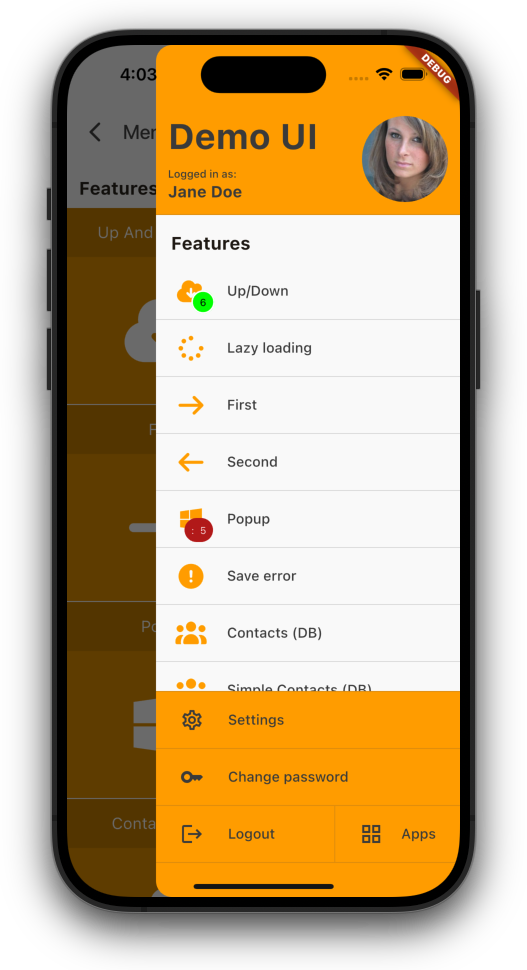 Menu (old) |
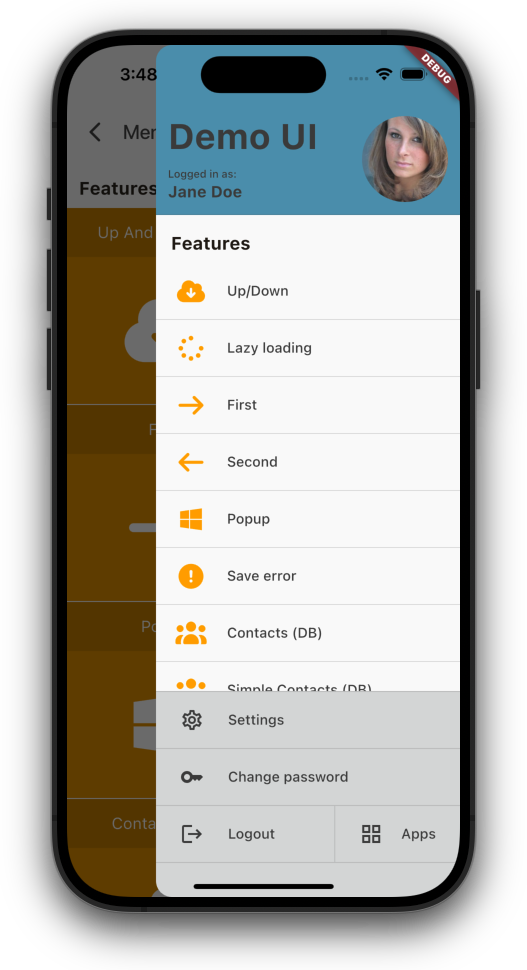 Menu (new) |
Just set custom colors for menu header and footer.
Next example, an example screen:
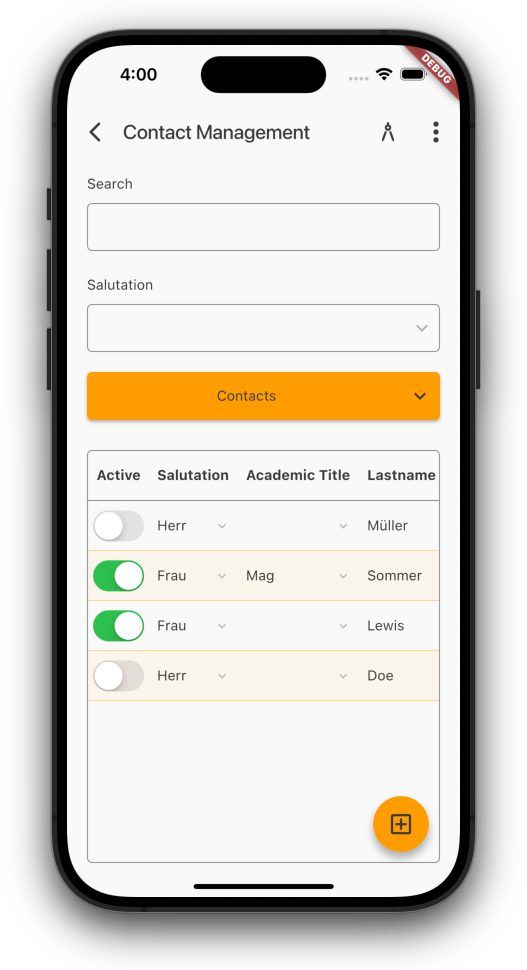 Default color |
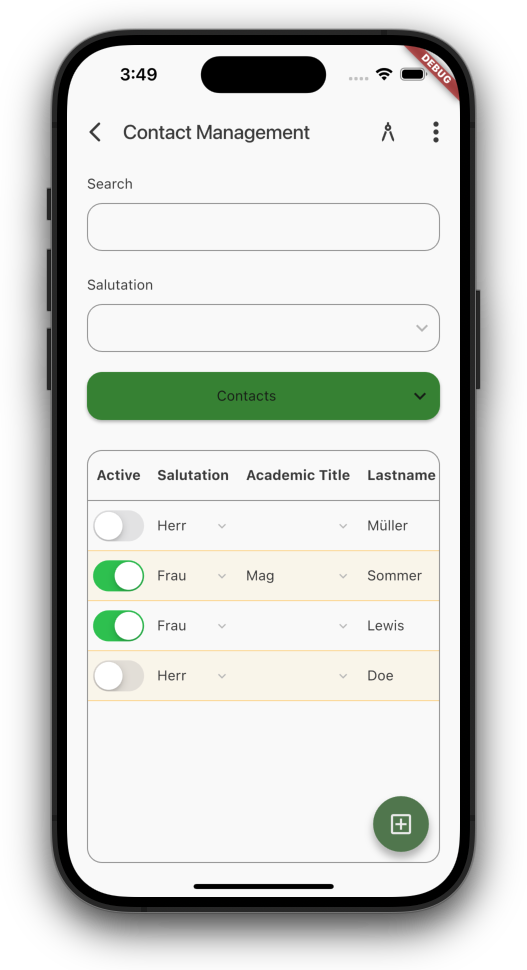 Custom colors |
Use custom colors for buttons, custom border radius for buttons, input fields, tables.
Show images as avatar:
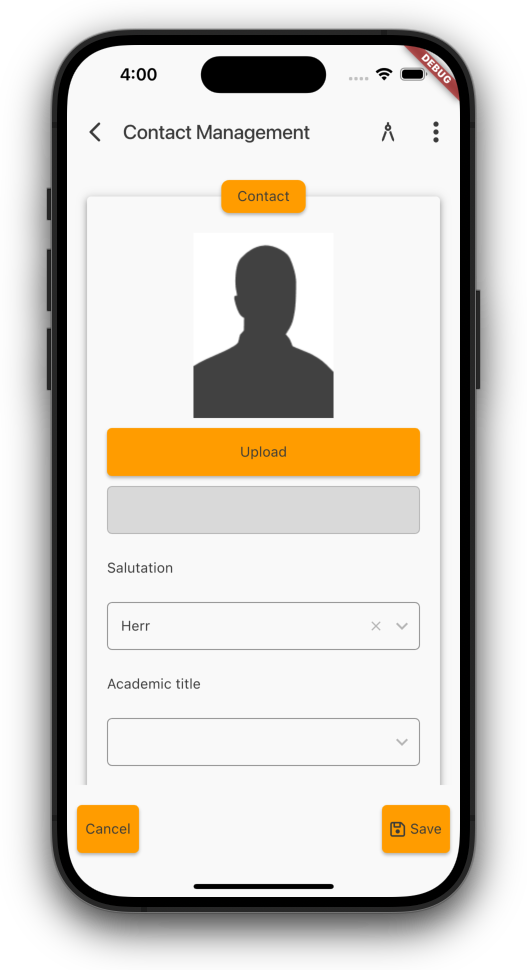 Image (portrait) |
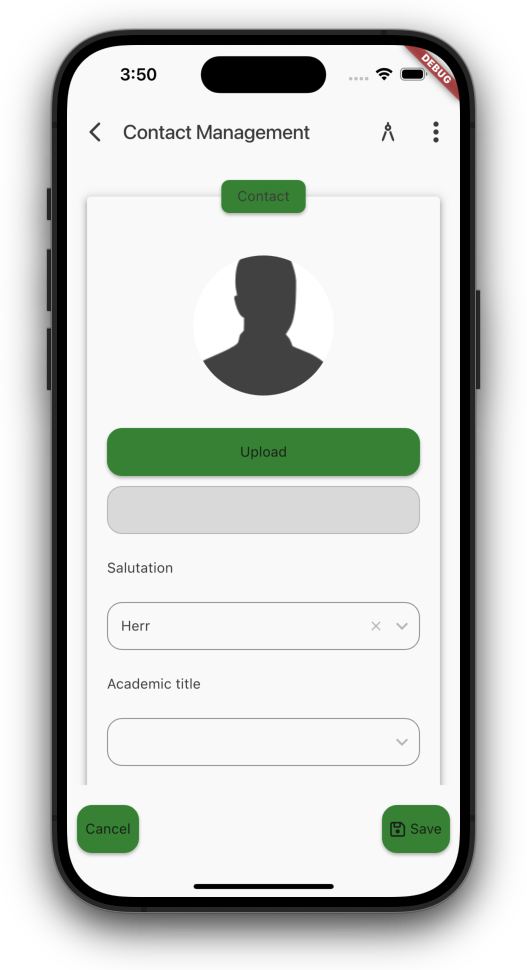 Image (avatar) |
If you want, show border around images like this one:
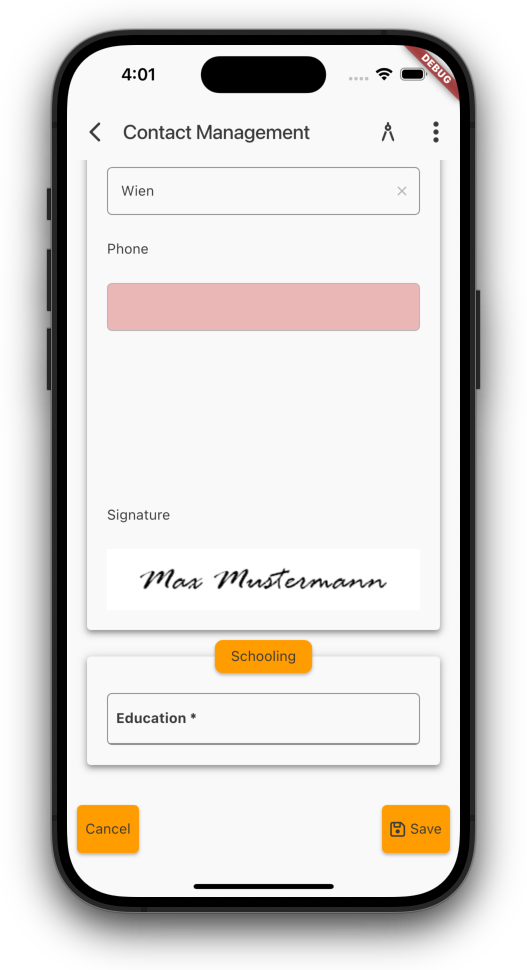 Signature (no border) |
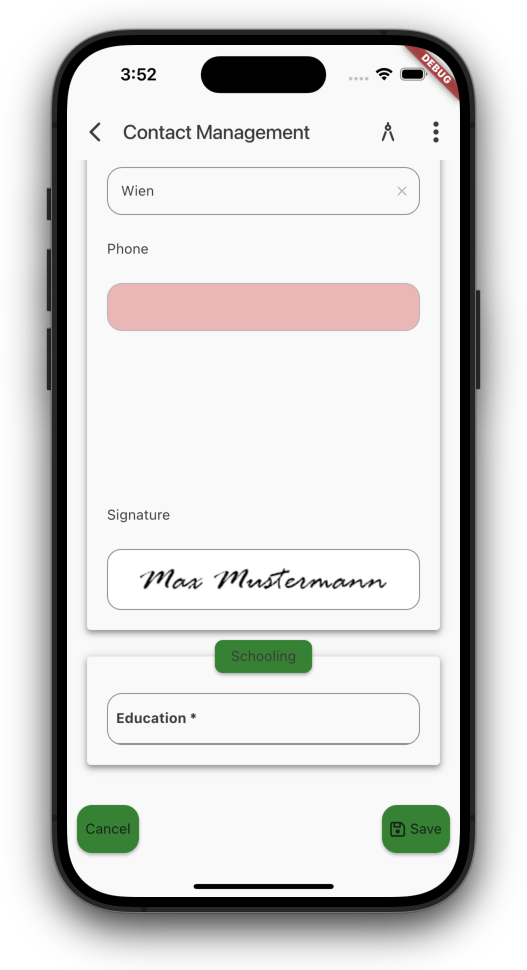 Signature (border) |
And as a little extra, menu button arrow now animates:
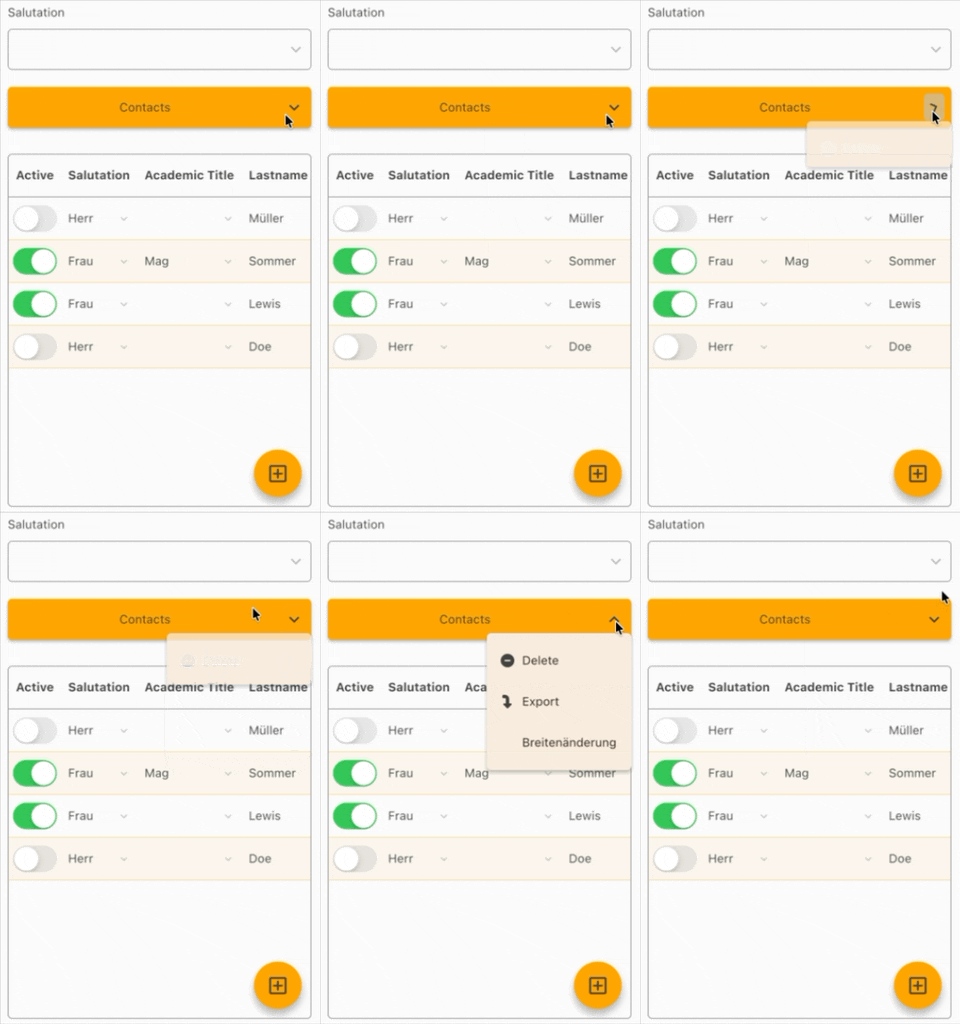
Buton animation
Look forward to more customization options 
 Development, News | rjahn | 09/04/2026 |
  Comments (0)

 RSS-Feed