
Flutter Client Update
Our Flutter client is ready for Flutter 3.50 (available since November 11).
This time, the upgrade went relatively smoothly-just a few minor adjustments, nothing worth mentioning.
In the course of the upgrade, we also made a couple of small improvements:
- When a search field had focus and was cleared using the "X" button, the search wasn't triggered automatically. While technically correct - since the user might be about to type a new search term - it felt like a bug during actual use. Now, the search runs automatically after about 1 second, but only when the field is cleared via the "X" button.
- It was no longer possible to copy text from a text field because the context menu wouldn't appear. This is working again now.
We also implemented new features that are extremely practical:
- Blur effect for text
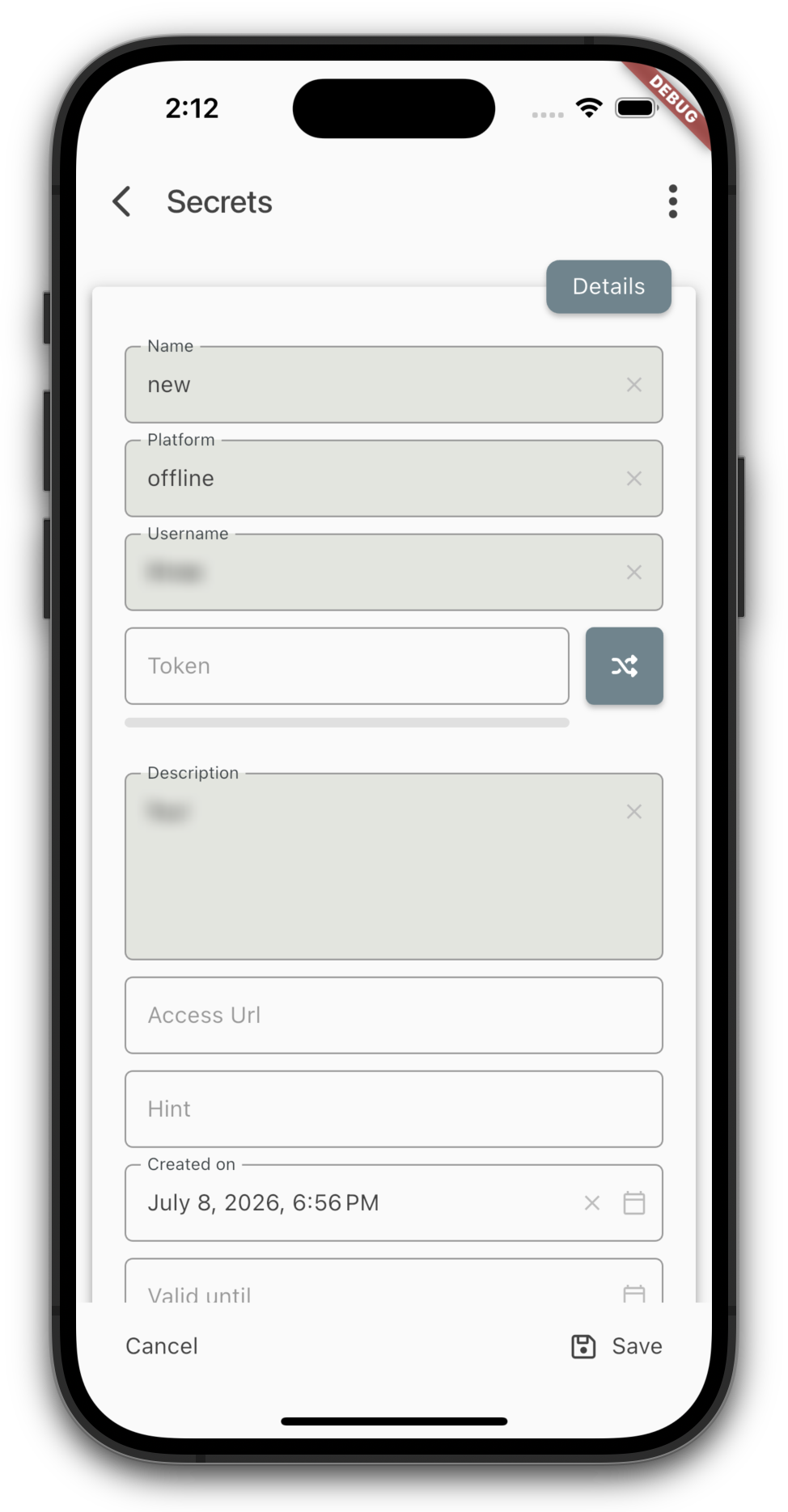
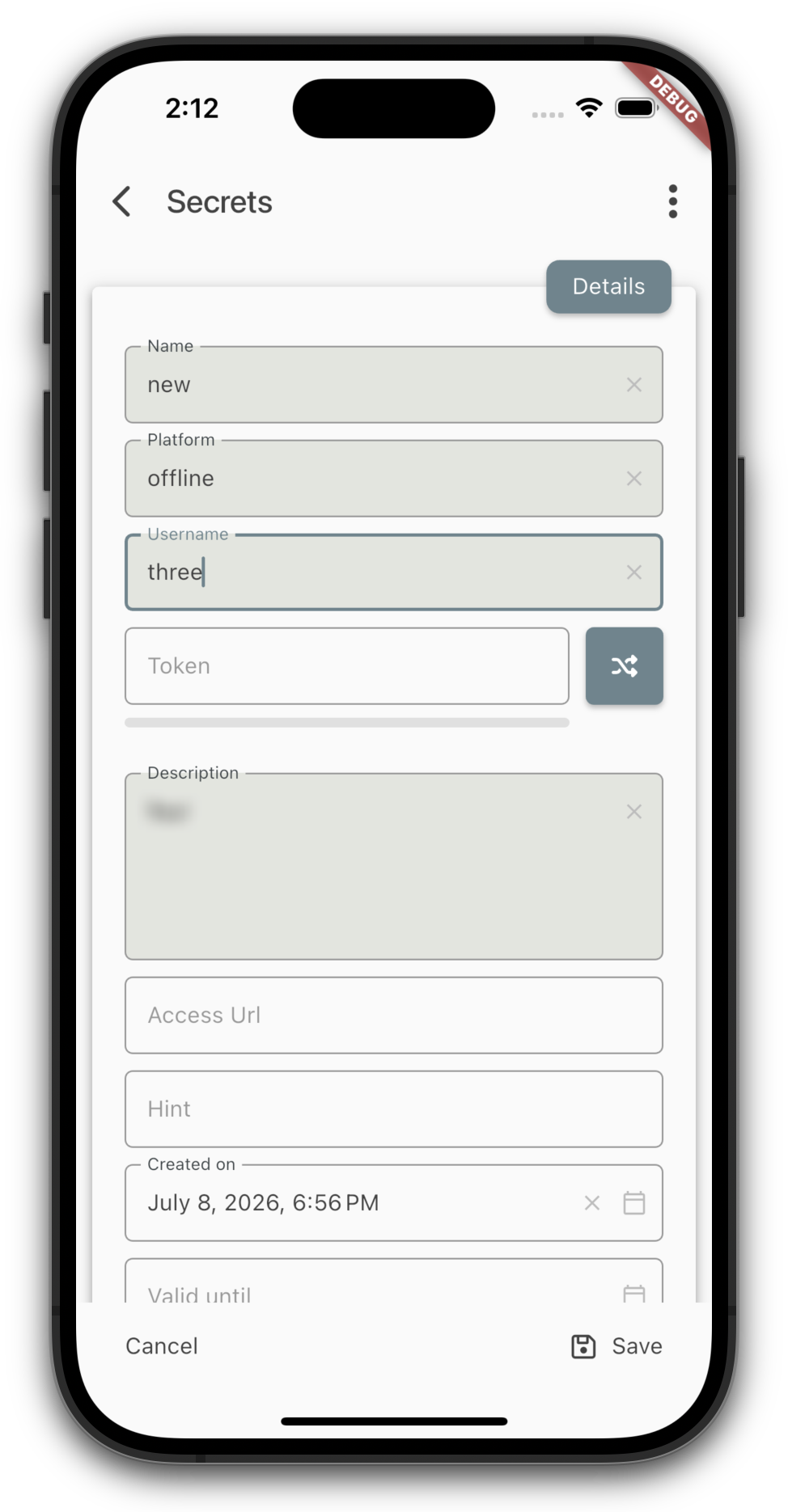
For passwords, special characters are always shown instead of the actual text, and you could apply that effect to any field. However, sometimes it isn't a password, and you simply want to hide the text from prying eyes. Even though this feature is only needed occasionally, we've introduced a blur effect: if you set the style f_blur, the text is obscured until the field receives focus.
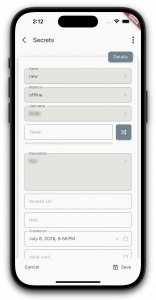
Blur
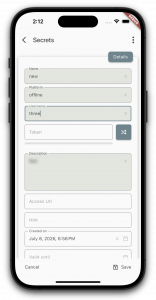
No blur
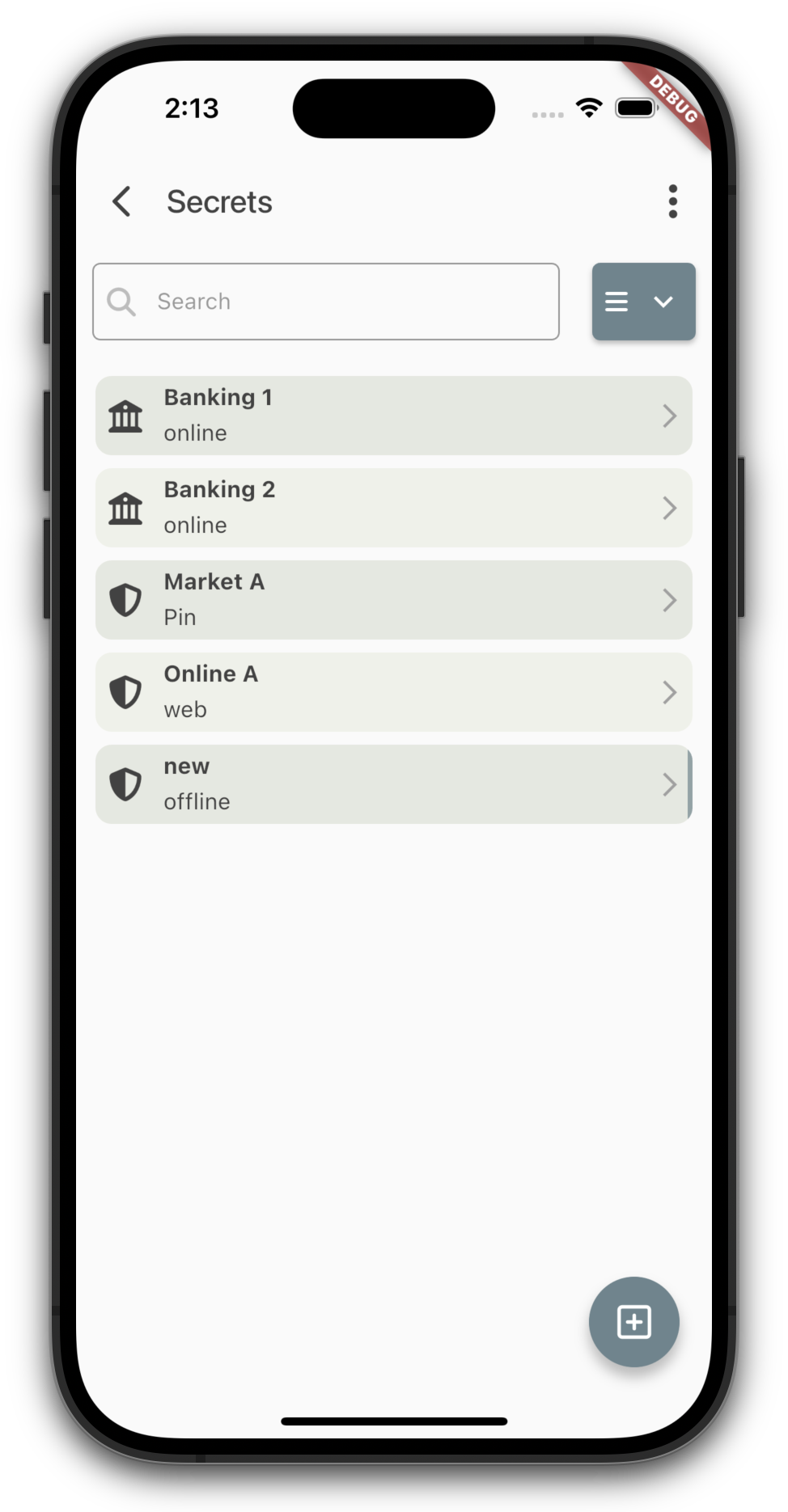
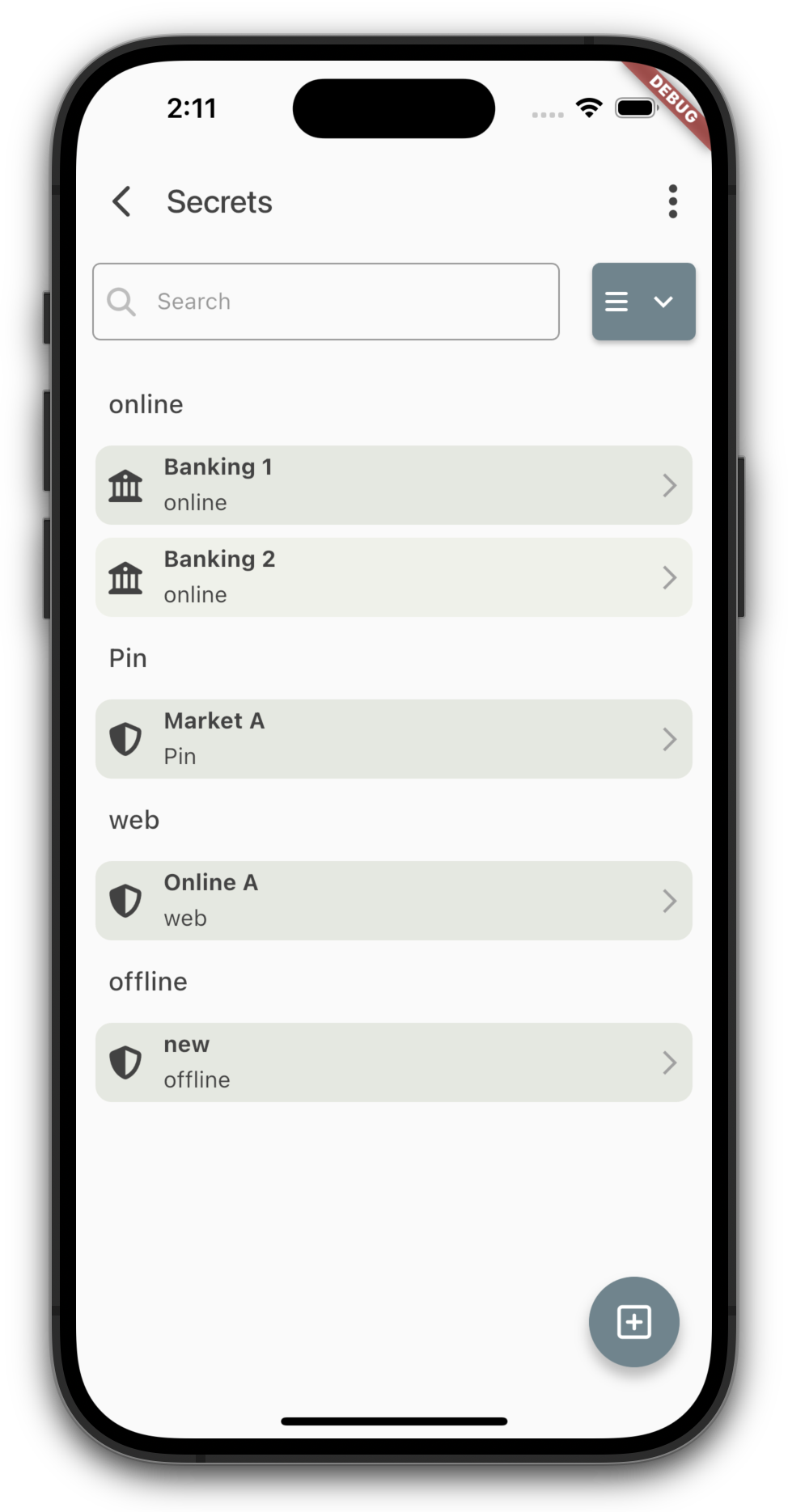
- Grouping option for lists
A practical new feature to improve clarity and visual organization.
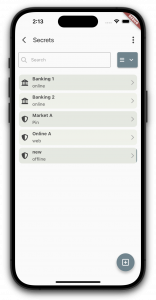
List without group
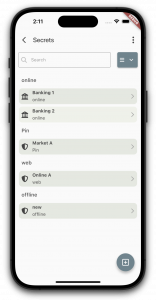
List with groups
- Undo Clear
When you tap the "X" button in a text field, the text is cleared. However, if you did this by mistake, you can now restore the deleted text by swiping from right to left (directly inside the text field).
The changes are already available in the project, though an app update will still take a little while.
 Development, News | rjahn | 26/11/2026

 RSS-Feed